
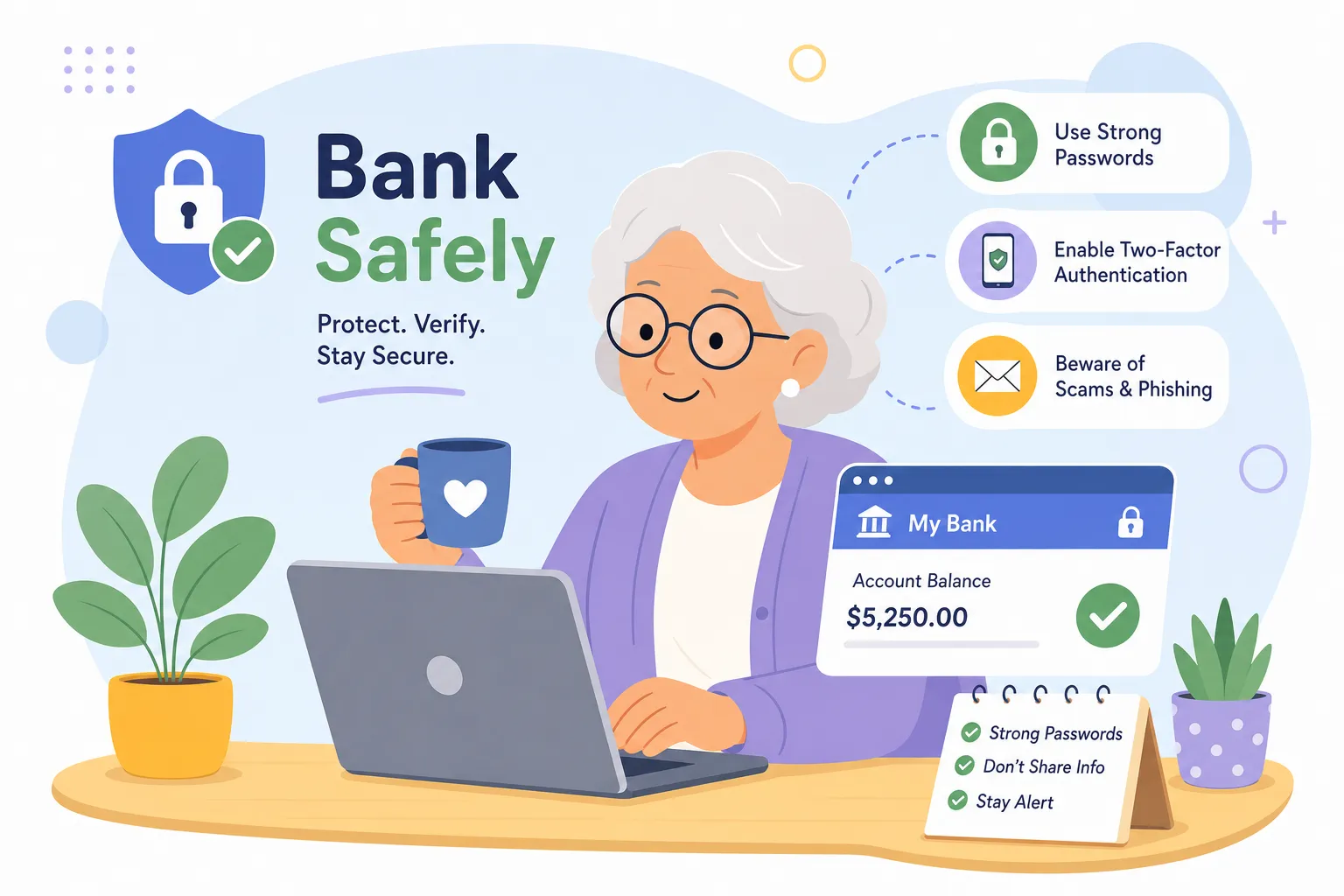
U.S. consumers lost more than $12.5 billion to fraud in 2024, a 25% jump from the year before, and older adults make up a disproportionate share of those losses. Use these secure online banking tips to protect your money and bank with confidence, because the reason so many people get caught isn’t carelessness or confusion about technology.
At ScamProof, the pattern we see most often is simpler: people were never shown the basics before they needed them. Nobody walked them through what a fake login page looks like, or explained why reading a one-time code to a stranger on the phone is dangerous. This guide fixes that gap. It covers exactly what you need to know to bank online safely, from setting up a strong password to knowing what to do the moment something looks wrong.
Why older adults are the most targeted banking customers right now
The numbers are worth understanding clearly. The FTC reported $12.5 billion in fraud losses for 2024, and a Federal Reserve survey found that account takeover fraud rose 7% year-over-year among U.S. financial institutions. Impersonation fraud now accounts for more than 85% of fraud attempts, according to 2025 Veriff data. These aren’t abstract figures; they describe a specific, active threat aimed at real people managing real money.
The actual vulnerability isn’t age. It’s the fact that many older adults were never formally taught what online banking fraud looks like in practice. Scammers count on that gap. They use urgency, official-sounding language, and convincing impersonation to push people into acting before they have a chance to think. Every tip in this article closes a specific door that attackers rely on, and every one of them is something you can act on today.
Secure online banking tips for passwords and account access
Why your current password probably isn’t strong enough
The most common password problems aren’t dramatic failures. They’re small habits: reusing the same password across multiple accounts, using a birthday or a pet’s name, or picking something short because it’s easy to remember. Any of those makes an account easier to crack, especially when a scammer already has your email address from a previous data breach.
A passphrase is a practical fix. Instead of a scrambled string of characters, use four or more unrelated words strung together, something like “purple-clock-river-hammer.” It’s long enough to resist automated attacks and easy enough to actually remember. That’s a far stronger starting point than “BankPass1” or “Mom1952.”
When a password manager makes sense
A password manager stores all your passwords in an encrypted vault so you only need to remember one master password to access the rest. Bitwarden and 1Password are two well-reviewed options built with zero-knowledge encryption, meaning even the company running the service can’t see what’s inside your vault. Both work on phones, tablets, and computers without requiring any technical background.
The rule that matters most: every bank account needs its own unique password. If you reuse a password and one website gets breached, every account sharing that password becomes vulnerable. Password managers for banking make unique passwords achievable without writing anything on a sticky note tucked under your keyboard.
Secure online banking tips: Avoiding phishing and public Wi-Fi
How two-factor authentication blocks most attacks
Two-factor authentication means that even if someone steals your password, they still can’t get into your account without a second piece: a code sent to your phone, a push notification, or a code generated by an authenticator app. Microsoft and CISA both report that MFA blocks 99% of account takeover attempts. That’s not a minor improvement; it’s the single most effective change you can make to your online banking security right now.
The two most common options are SMS codes, which are text messages with a number you enter at login, and authenticator apps. SMS codes are still much better than nothing. Authenticator apps like Google Authenticator are stronger because a text-delivered code can be intercepted more easily than one generated on your device. If your bank offers an authenticator app option, choose it.
How to turn it on at your bank today
In most major U.S. bank apps, the two-factor setting lives under “Security,” “Account Settings,” or “Security & Privacy.” At Chase, you open the app, tap Profile & Settings, go to Security & Privacy, and look for “Use 2-Step verification for extra security at sign in.” Most banks follow a similar path: a few taps, a confirmation code, and you’re done.
If you can’t find the setting, call the customer service number on the back of your debit card and ask: “Can you walk me through turning on two-step verification?” Bank representatives help with this every single day. There’s no reason to feel hesitant about asking.
How to recognize a fake bank login page before you type anything
Fraudulent bank sites are designed to look nearly identical to the real ones. The difference is buried in the web address. A scammer might use “secure-bankofamerica-login.com” instead of “bankofamerica.com,” or swap a zero for the letter “O” in a URL like “wellsfarg0.com.” The logo looks right. The page looks right. The address is just slightly off, and most people never notice.
Smishing, which is phishing delivered by text message, is one of the most common delivery methods in 2026. You get a text saying your account has been locked or flagged for suspicious activity, and it includes a link to “verify” your information. That link leads to a fake site that captures your login credentials the moment you type them in.
The habit that protects you every time
Never click a link in an email or text to log into your bank. Instead, type your bank’s address directly into the browser yourself, or open the official app you already have installed on your phone. It takes ten extra seconds and it closes the most common door scammers use for phishing and fraud prevention.
Watch for these four red flags in any message claiming to be from your bank:
- Urgent language, such as “Your account will be closed within 24 hours”
- Requests for your password, PIN, or a one-time verification code
- Generic greetings like “Dear Customer” instead of your name
- Callback numbers or links that don’t match the official contact details on your bank’s website or card
Why public Wi-Fi and banking don’t mix
When you connect to a public Wi-Fi network, anyone else on that network can potentially intercept what you’re doing online. Scammers also create fake hotspots with names like “CoffeeShop_Free_WiFi” that look completely legitimate. If you connect and log into your bank, your credentials can be captured before they ever reach your bank’s server. This doesn’t mean every coffee shop is a trap; it means your banking login has no business happening over a connection you don’t control and didn’t set up yourself.
Follow this simple hierarchy for mobile banking security when you’re away from home:
- Your phone’s cellular data connection is the safest choice for any banking transaction outside your home.
- Your home Wi-Fi network is the next best option for secure Wi-Fi for banking.
- Public Wi-Fi is a last resort and should never be used for banking if you have another option available.
If you genuinely have no other choice, a VPN (virtual private network) adds an encryption layer between your device and the network, which reduces your exposure. It doesn’t make public Wi-Fi fully safe for sensitive transactions, but it does help. The practical move is straightforward: switch to your phone’s cellular data before you open your banking app. It’s one tap in your phone’s settings and takes less than five seconds.
Account alerts and what to do the moment something looks wrong
The alerts worth switching on today
Most U.S. banks let you set up real-time notifications for specific activity: any transaction over a dollar amount you choose, login attempts from a new device, password changes, and wire transfers. In your bank’s app, look under “Notifications” or “Alerts,” then select the account you want to monitor and choose your delivery preference, either text, email, or push notification.
Set your transaction alert threshold as low as $1. Scammers often test a stolen card with a tiny charge first, before using it for something larger. A low-threshold alert catches that test charge immediately. Once it’s set up, this protection runs quietly in the background without any extra effort from you.
What to do the moment something looks wrong
If you see a transaction you don’t recognize or receive a notification about a login you didn’t make, move quickly and calmly through these steps:
- Call the number on the back of your debit or credit card immediately. Do not use a number from an email or text message.
- Tell the fraud team exactly what you saw and ask them to freeze the account or block the card.
- File a report with the FTC at ReportFraud.ftc.gov.
- Write down the date, what you saw, and the full name of the representative you spoke with.
Speed matters, but so does documentation. Banks have far more tools to help when you report quickly and can provide a clear record of what happened. If identity theft is involved, IdentityTheft.gov walks you through the next steps specific to your situation.
One resource worth keeping close: ScamProof’s plain-English handbook “Wise to the Con” includes a printable banking checklist that covers exactly what to do and what to never say or share when you bank online. It’s designed to sit next to your computer or get passed to a family member who helps you manage finances, so you always have a calm, clear reference ready when you need it.
Secure online banking tips: Quick checklist
Protecting a bank account online doesn’t require technical expertise or expensive software. It requires a handful of steady habits: a strong passphrase, two-factor authentication turned on, healthy skepticism toward any urgent message, cellular data for transactions away from home, and alerts watching your account around the clock.
Start with one step, maybe turning on account alerts or enabling two-step verification at your bank this afternoon. Add another next week. The goal isn’t perfection; it’s being harder to target than someone who skipped these steps entirely.
Scam tactics shift every year, so these secure online banking tips are worth revisiting regularly. Follow these secure online banking tips today: enable MFA, set a low-threshold transaction alert, and bookmark your bank’s official website so you always land in the right place. Having a plain-English reference on hand makes staying current far less overwhelming, and the steps above are a strong foundation you can build on starting right now.